Graphic Design: A Beginner's Guide to Visual Design
Learn the fundamentals of graphic design—typography, color theory, contrast, hierarchy, alignment, and spacing—with beginner exercises and a practical role for grids.
Virtual Grid Paper · Knowledge & Guides
Tutorials, step-by-step techniques, and reference material for artists, students, teachers, engineers, and digital creators working with physical and on-screen grids.
84 articles · 12 topics
Learn the fundamentals of graphic design—typography, color theory, contrast, hierarchy, alignment, and spacing—with beginner exercises and a practical role for grids.
A factual 2026 comparison of graphic design software — free browser tools, open-source apps, and paid suites — covering US pricing, strengths, limits, and where each fits.
A practical step-by-step guide to designing graphics — plan the message, pick dimensions, build hierarchy, choose color and type, lay out on a grid, check accessibility, and export.
Graphic designers turn messages into visual communication. Learn the day-to-day responsibilities, common specializations, essential skills, portfolio expectations, and career paths.
How graphics work inside a visual design: the elements of visual communication, common types of graphics, illustration and infographic roles, and composition examples.
Graphic design jobs explained — the common roles, US salary data from the BLS, portfolio and application strategy, interview preparation, and freelance versus full-time trade-offs.
A practical map of where graphic designer employment happens — in-house teams, agencies, studios, remote roles, freelance platforms, and internships — plus networking and search strategy.
The skills employers screen for in graphics and design jobs — visual communication, typography, layout, brand consistency, file preparation, collaboration — and how each one shows up in a portfolio.
Practical job-search guidance for graphic designers — portfolio curation and case studies, resume writing that parses well, cover notes, application tracking, and interview preparation.
Practical, start-to-finish walkthroughs for getting the most out of graph paper and grid tools.
Scale up and transfer any reference with grid drawing — proportion, accuracy, and repeatable step-by-step workflows.
Turn photos into griddable references and multi-image layouts for painting, study, and sharing.
Draw on-screen with precise digital grids, snapping, and export-ready canvases.
Side-by-side breakdowns to help you pick the right paper, tool, or technique.
Roles, salaries, portfolios, applications, and skill paths for graphic designers — practical career research.
Interactive Tools
Free, browser-native tools — no install, no sign-up. Draw on a live grid, generate a custom sheet, or grid a photo for transfer.
Learn the fundamentals of graphic design—typography, color theory, contrast, hierarchy, alignment, and spacing—with beginner exercises and a practical role for grids.
A factual 2026 comparison of graphic design software — free browser tools, open-source apps, and paid suites — covering US pricing, strengths, limits, and where each fits.
A practical step-by-step guide to designing graphics — plan the message, pick dimensions, build hierarchy, choose color and type, lay out on a grid, check accessibility, and export.
Graphic designers turn messages into visual communication. Learn the day-to-day responsibilities, common specializations, essential skills, portfolio expectations, and career paths.
How graphics work inside a visual design: the elements of visual communication, common types of graphics, illustration and infographic roles, and composition examples.
Graphic design jobs explained — the common roles, US salary data from the BLS, portfolio and application strategy, interview preparation, and freelance versus full-time trade-offs.
A practical map of where graphic designer employment happens — in-house teams, agencies, studios, remote roles, freelance platforms, and internships — plus networking and search strategy.
The skills employers screen for in graphics and design jobs — visual communication, typography, layout, brand consistency, file preparation, collaboration — and how each one shows up in a portfolio.
Practical job-search guidance for graphic designers — portfolio curation and case studies, resume writing that parses well, cover notes, application tracking, and interview preparation.
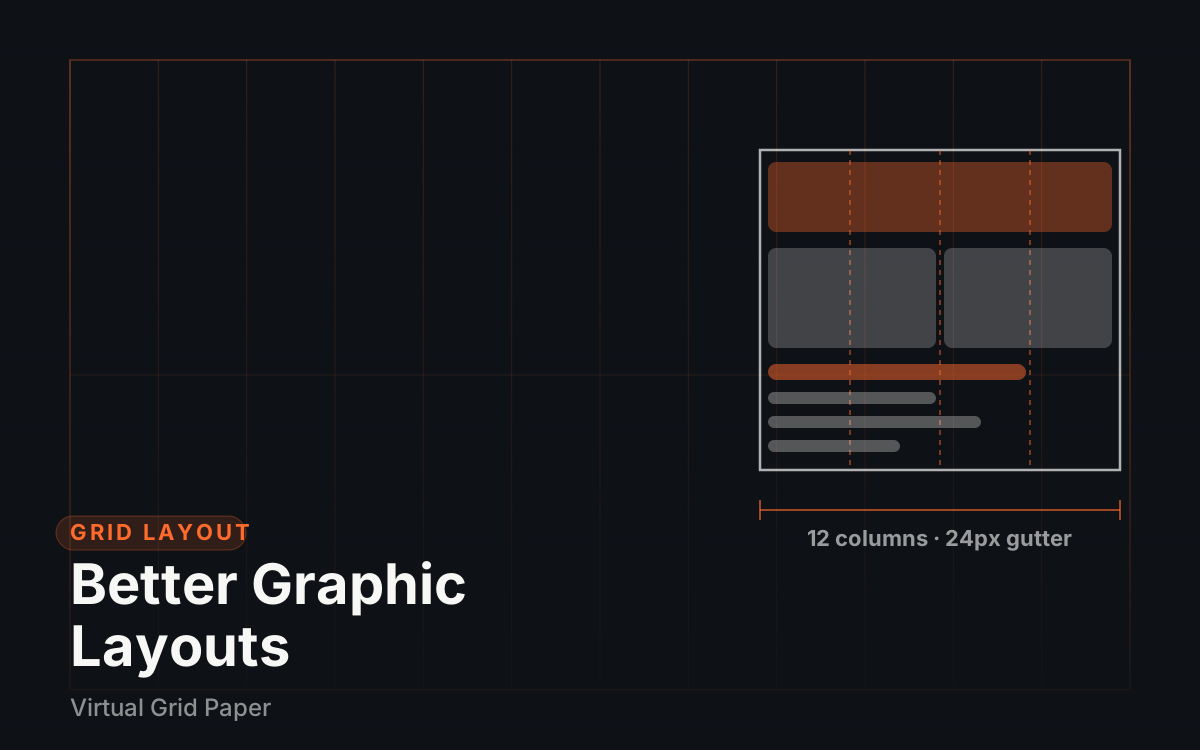
Column and modular grids, margins, and gutters explained for practical use — align content, create rhythm, and lay out posters and social graphics faster with a design grid.
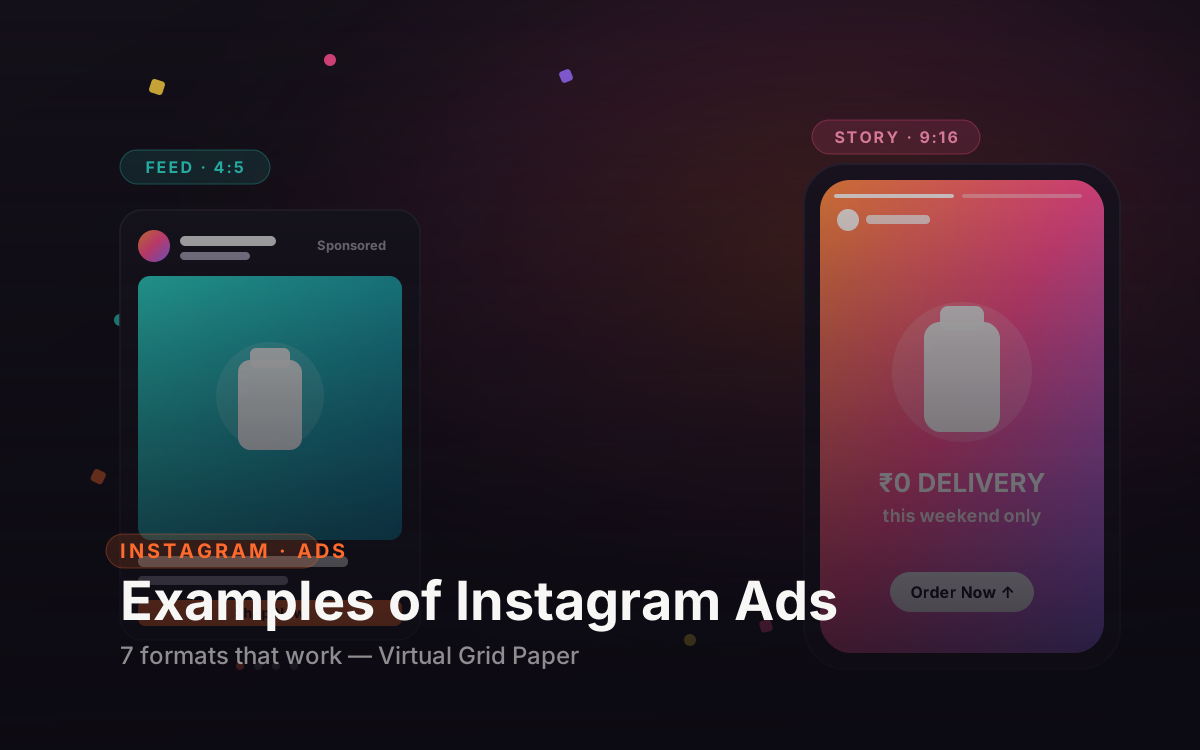
Real examples of Instagram ads across every format—feed, story, reels, carousel and collection—plus a breakdown of what makes each one work and how to build your own for free.
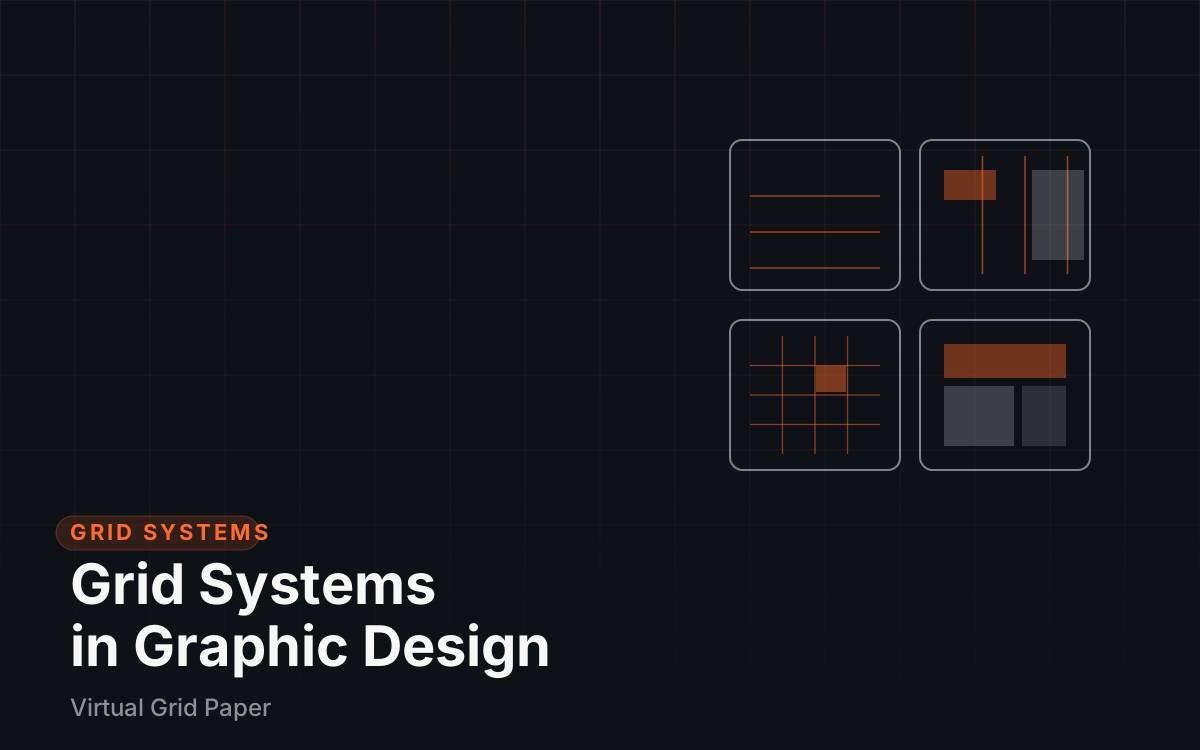
The four classic grid systems in graphic design — manuscript, column, modular, and hierarchical — with the anatomy of a grid, layout examples, and common mistakes.
Make a happy birthday Instagram story they'll screenshot—25 creative ideas for friends, partners and family, plus the best birthday songs to add and the right 9:16 size.
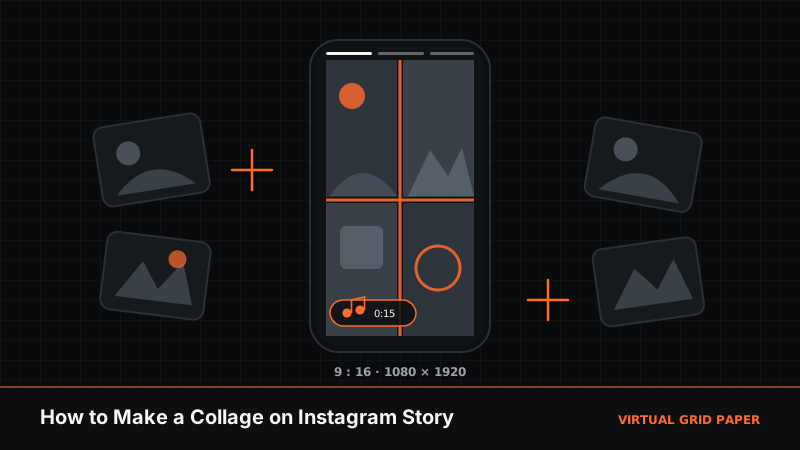
Make a photo collage on your Instagram Story the easy way, plus how to start a story, make a song play longer, and shrink the Add Yours sticker.
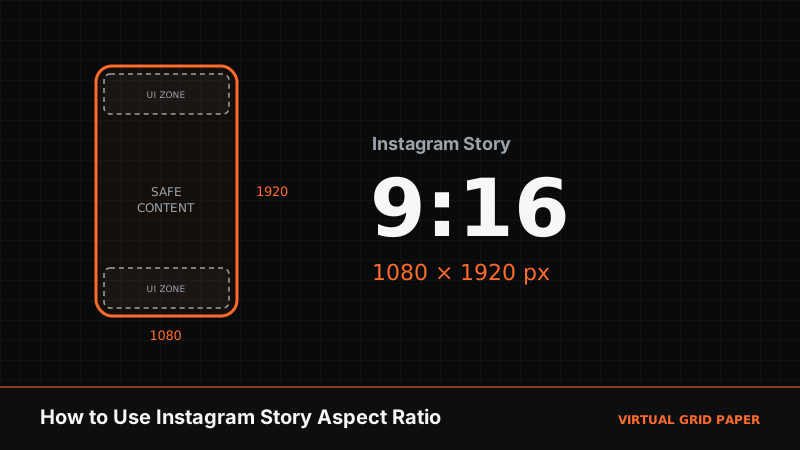
Everything you need to know about the Instagram Story aspect ratio—what 9:16 means, the exact 1080×1920 size, safe zones, and how to resize any photo without ugly crops or borders.
What Instagram templates are, why they keep your feed consistent, and the free browser tools that let you design story, post and grid templates at the exact right size — no app, no watermark.
The real answer to what font Instagram Stories use—Instagram Sans and the Classic, Modern, Neon, Typewriter and Strong styles—plus close free lookalikes, Gen Z font trends, and how to unlock 'secret' fonts.
What interactive online graph paper is, how to use it to plot coordinates, draw shapes, and sketch layouts, and how it compares to printable sheets — with practical examples and tips.
Design social media graphics on a repeatable grid — platform canvas sizes, safe areas, typography scale, brand consistency, and export settings for Instagram, TikTok, and YouTube.
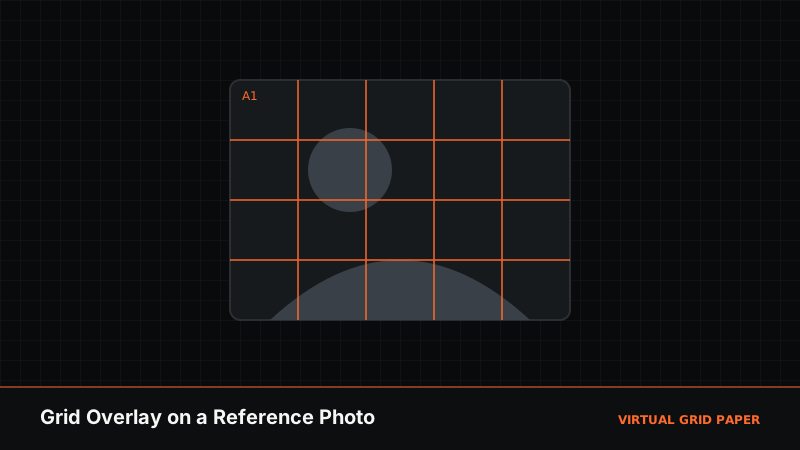
A practical walk-through of drawing with a grid overlay — put a grid on a reference image, match proportions on your canvas, transfer cell by cell, and export — using Virtual Grid Paper.
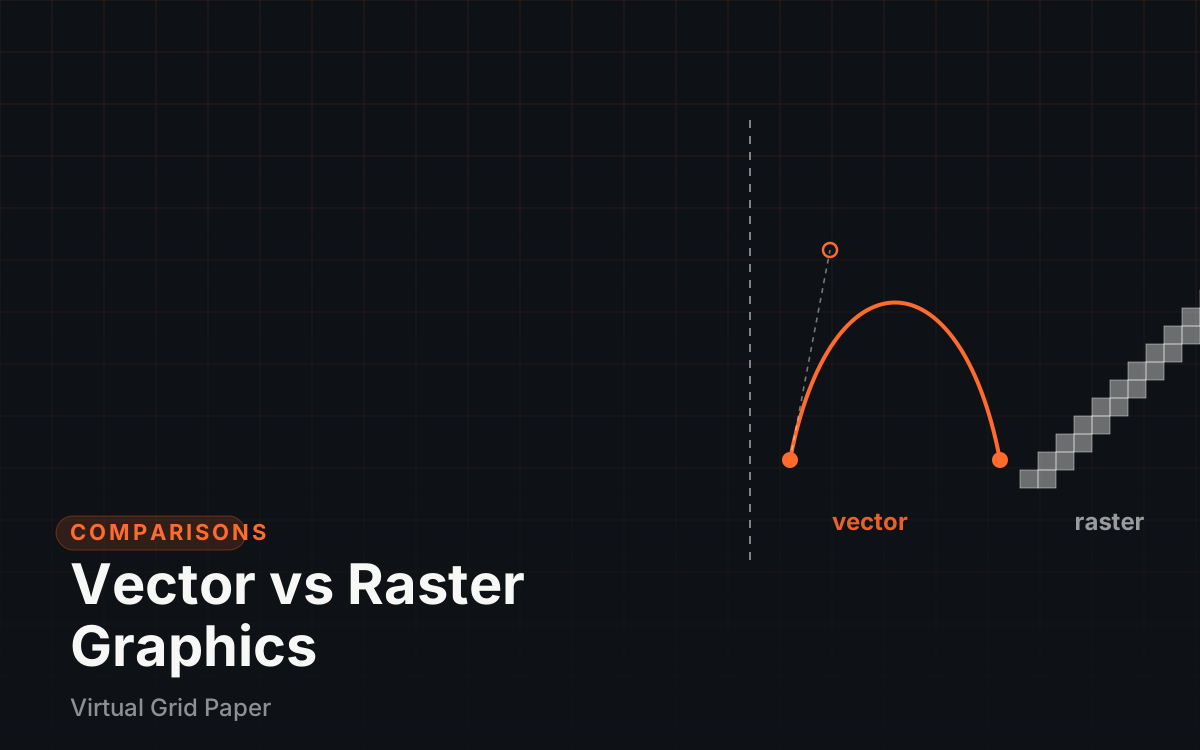
Vector and raster graphics explained — SVG, PNG, JPEG, PDF, and GIF compared for scalability, transparency, photo detail, file size, printing, and web use.
Ten original portfolio projects beginner graphic designers can start today — what each one demonstrates, how to document decisions, and how to turn projects into case studies that hire.
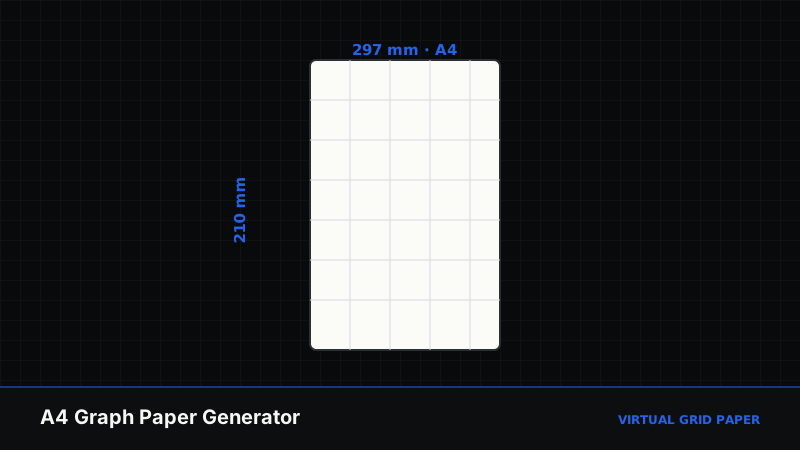
A complete guide to the A4 graph paper generator: 8 grid types, true 1:1 ISO 216 scale, title blocks, crop marks, and pure vector PDF and SVG export for precise drafting.
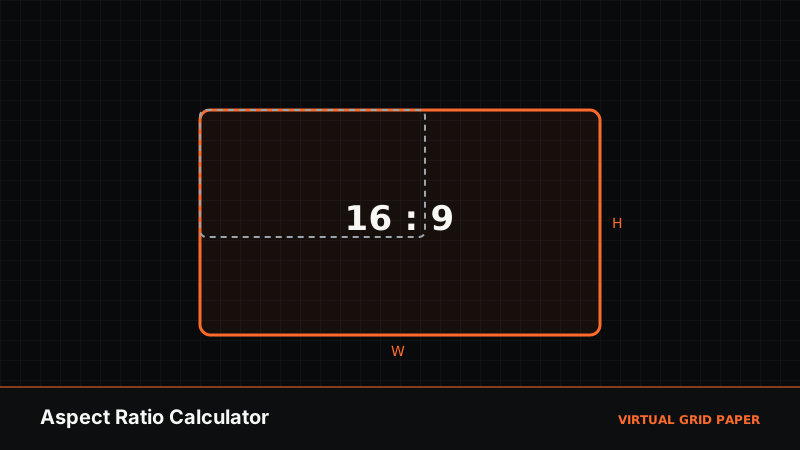
How to use an aspect ratio calculator for drawing, scaling, and layout: find a ratio, resize while keeping proportions, and read decimal, GCD, and megapixel outputs.
Pick the right graph paper grid density for your task: match lines-per-page and cell size to math, art, journaling, or engineering, and set density in the online generator.
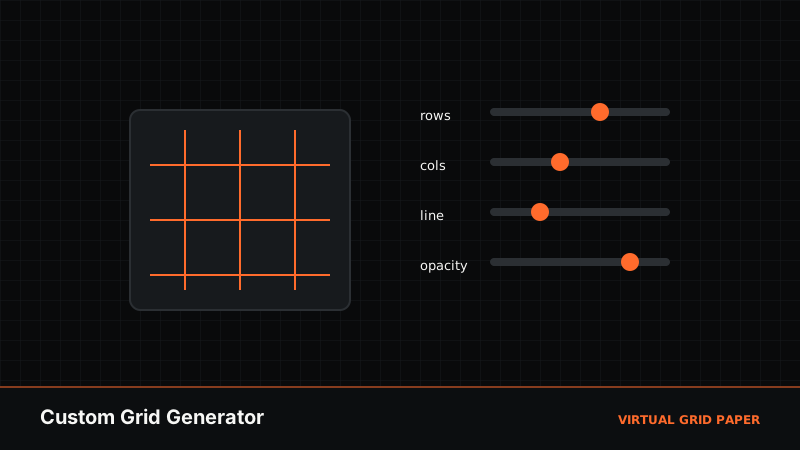
A full guide to the custom grid generator: set rows and columns, choose line color, width, and opacity, add labels, pick an aspect ratio or image, and export a PNG or JPG.
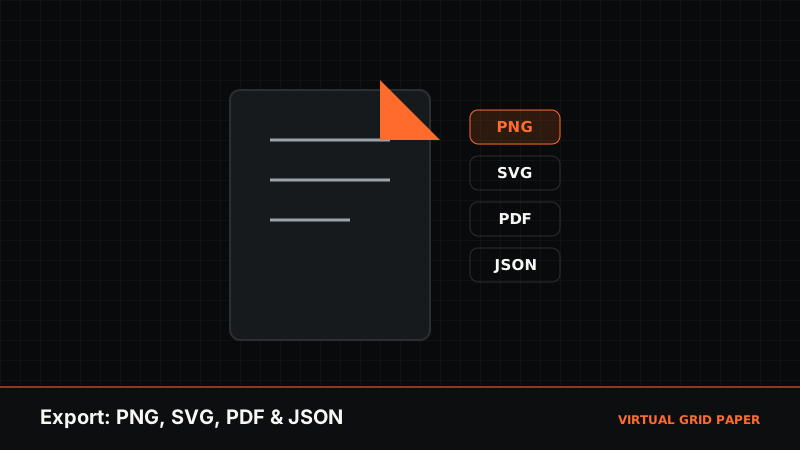
Export your Virtual Grid Paper drawing as PNG, SVG, PDF, or JSON. Learn what each format is best for, how to reopen JSON projects, and how to keep your work editable.
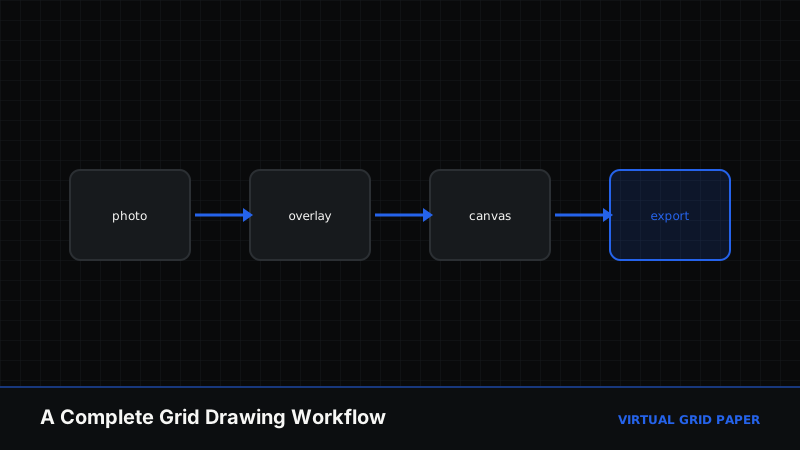
Build a complete digital drawing workflow using online grid tools: overlay a reference photo, scale it, draw on a grid canvas, and export — a step-by-step tool-by-tool guide.
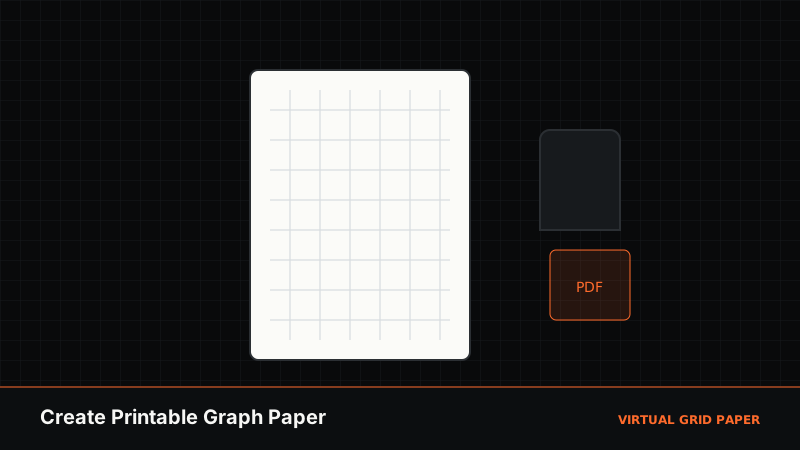
Create printable graph paper online in minutes: pick a style and paper size, set density and margins, then download a print-accurate PDF or print directly — free, no watermark.
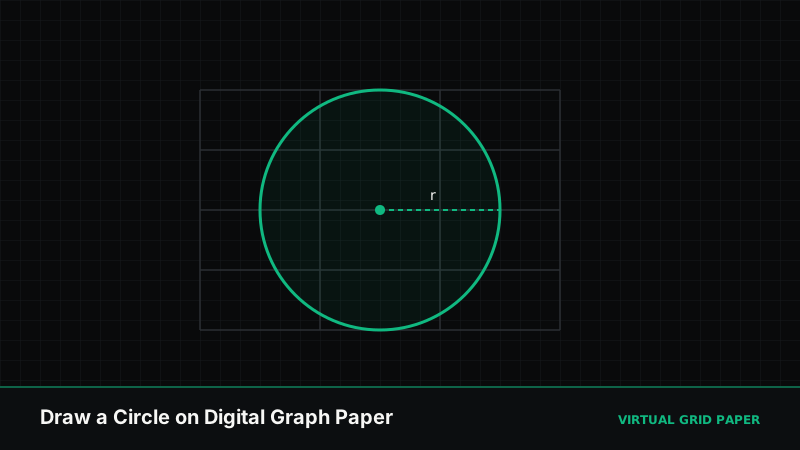
Draw perfect circles on digital graph paper: set a center, drag the radius with a live readout, snap to the grid, and combine circles for geometric constructions.
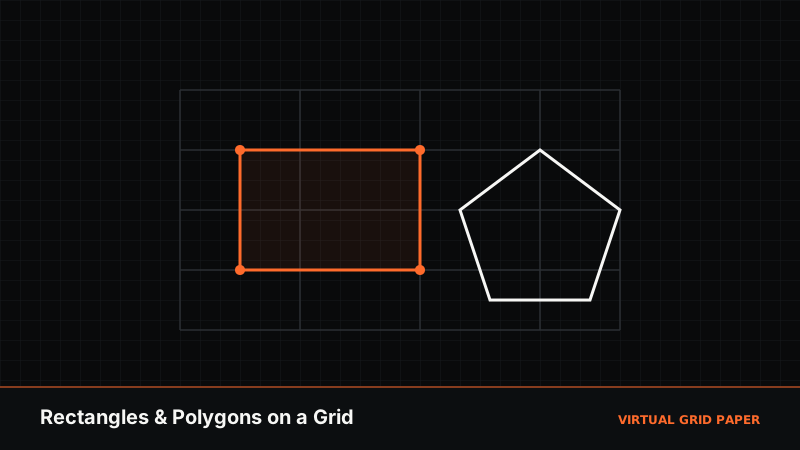
Draw precise rectangles, squares, triangles, and polygons on an online grid. Snap vertices to exact points, read side lengths live, and build clean shapes in your browser.
A step-by-step guide to the Virtual Grid Paper grid overlay tool: upload a reference photo, set rows and columns, add rule-of-thirds and diagonals, and export a gridded image.
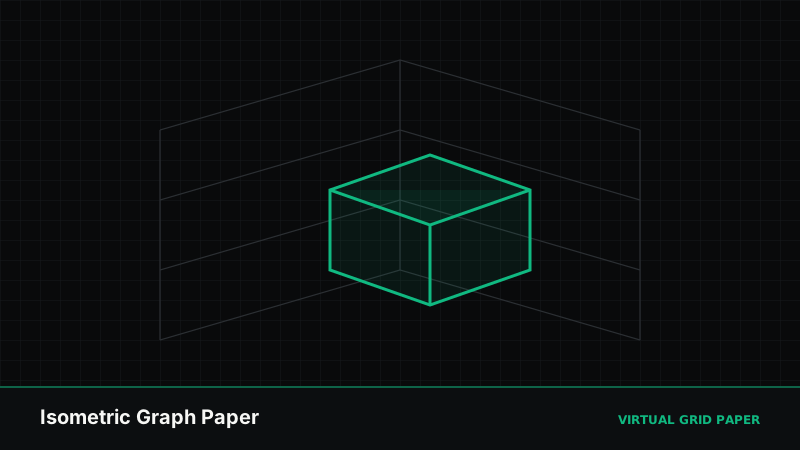
Learn how to use isometric graph paper: understand the 60-degree triangular grid, draw boxes and 3D forms, keep proportions consistent, and generate isometric sheets online.
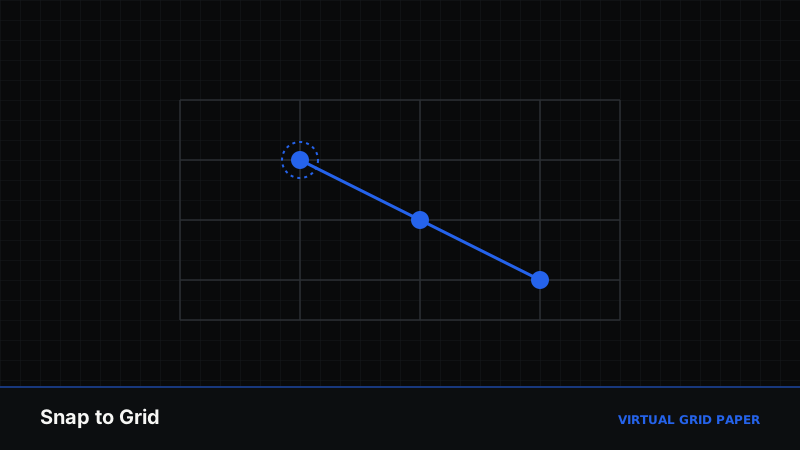
A practical guide to snap-to-grid: what it is, how it keeps your points and shapes perfectly aligned, when to turn it off, and how to use it on the Virtual Grid Paper canvas.
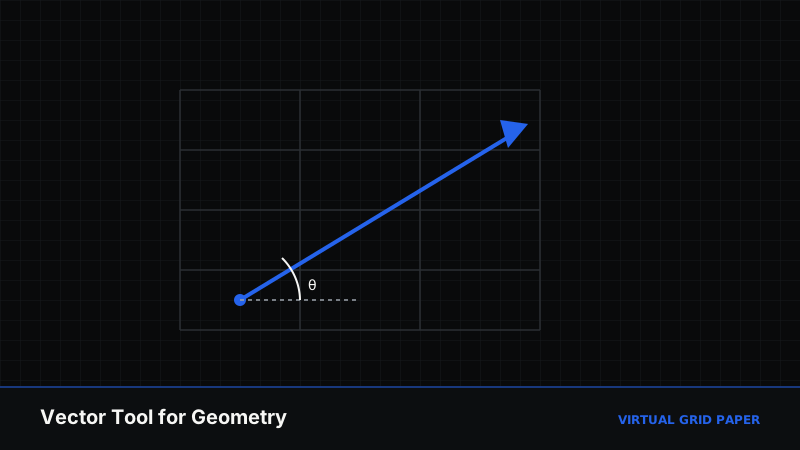
Learn to use the vector tool on Virtual Grid Paper: draw directed arrows with live magnitude and angle, snap to the grid, and diagram forces, translations, and vectors.
Learn how to use the Virtual Grid Paper drawing canvas step by step — set your grid, pick from 13 drawing tools, snap to the grid, read live measurements, and export.
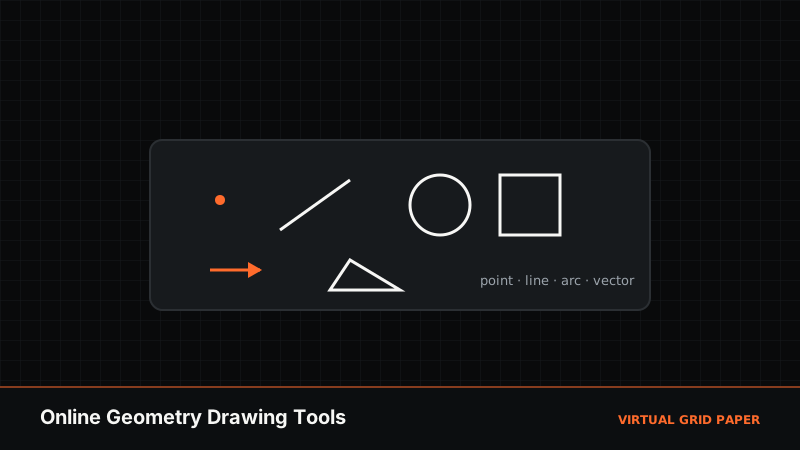
Discover the online geometry drawing tools on Virtual Grid Paper — points, segments, rays, circles, arcs, polygons, and vectors with snap-to-grid and live angle readouts.
A complete guide to the photo grid maker: combine photos into a grid collage, choose layouts and aspect ratios, set spacing, borders, and background, and export up to 4K.
Print graph paper at true 100% size so every square measures exactly right. Learn the print-dialog settings, how to avoid 'fit to page' scaling, and how to verify the scale.
Understand how Virtual Grid Paper auto-saves your drawing in the browser, how to recover work across sessions, and how JSON export gives you a portable backup.
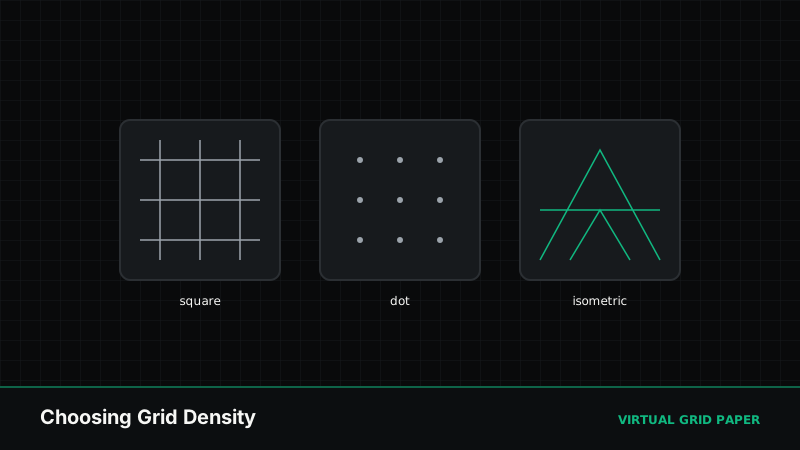
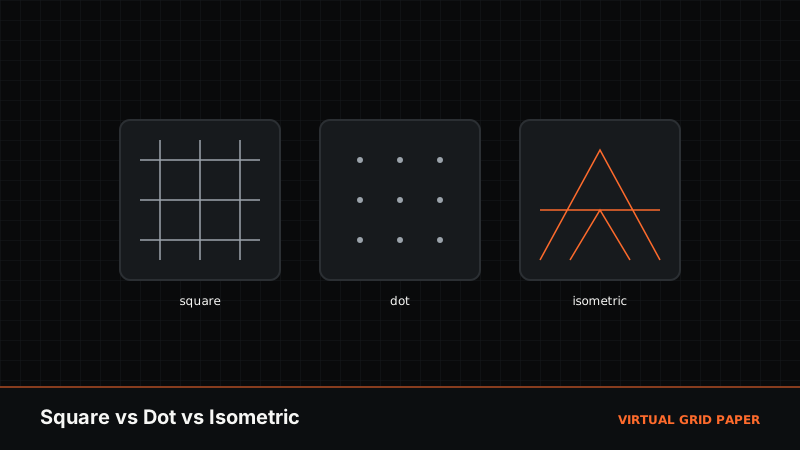
Compare square, dot, and isometric graph paper: how each grid works, what it's best for, and when to pick which. Then generate your chosen style online for free.
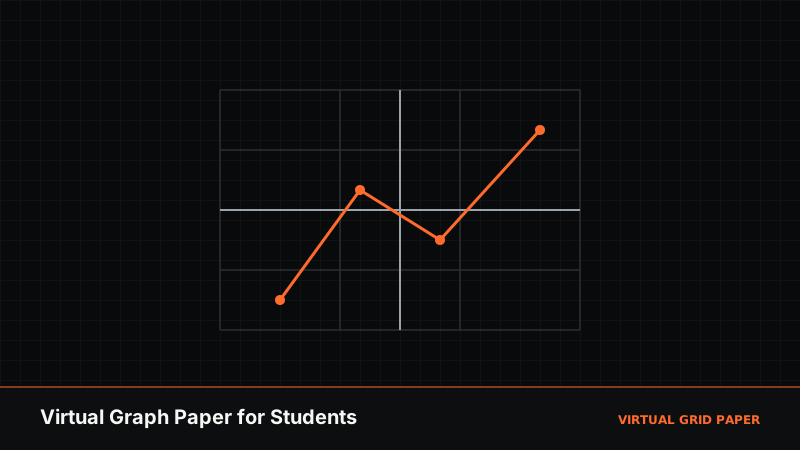
How students can use virtual graph paper for math, science, and notes: plot coordinates, draw shapes and diagrams on a digital grid, and export or print work — free, no signup.
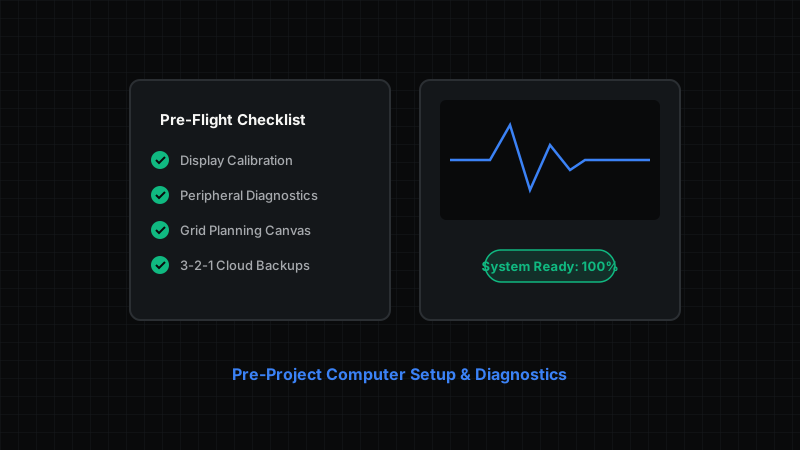
Don't let technical glitches derail your launch. Use this comprehensive pre-project checklist to test displays, input devices, backups, and digital scratchpads.
Master your digital workspace setup. Learn how to organize screen real estate, integrate virtual grid paper, optimize input gear, and streamline daily workflow.
Explore the ultimate toolkit for technical creators, designers, and engineers. From isometric grid systems to precision input gear and hardware testing tools.
Discover how to build a high-performance study setup at home. Learn ergonomic desk tips, STEM digital note-taking with grid paper, and hardware prep.
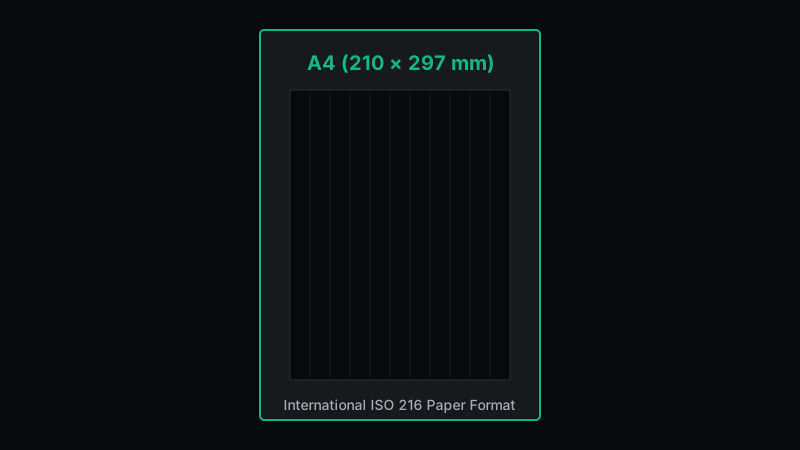
Everything about A4 graph paper: exact 210 x 297 mm dimensions, 15mm printable margins calculation, 1mm and 5mm grid configurations, and PDF print setup.
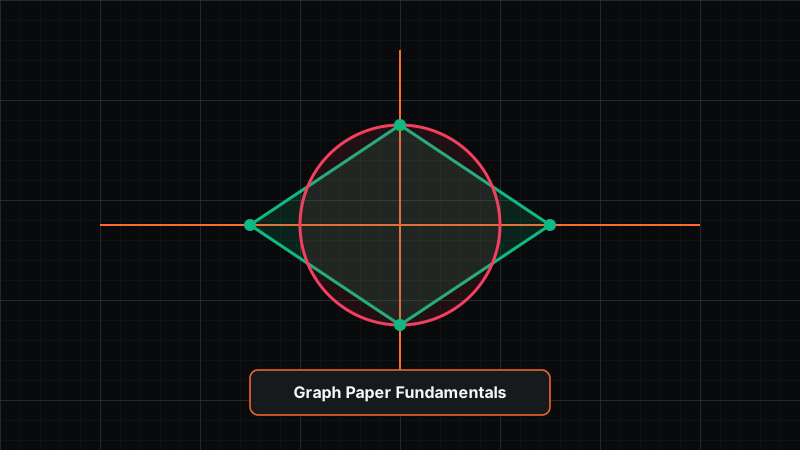
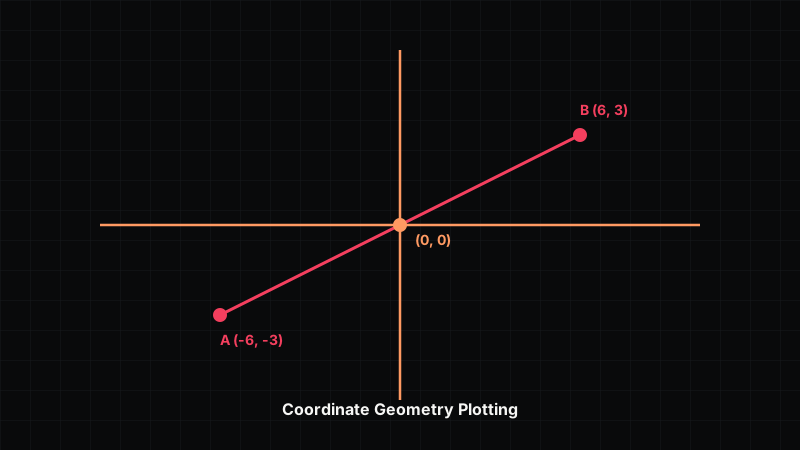
Master coordinate geometry on graph paper: Cartesian axes, quadrant plotting, calculating line slope, distance formula, and drawing geometric shapes.
A complete guide to using graph paper for engineering sketches, architectural layouts, circuit schematics, isometric projections, and vector drafting.
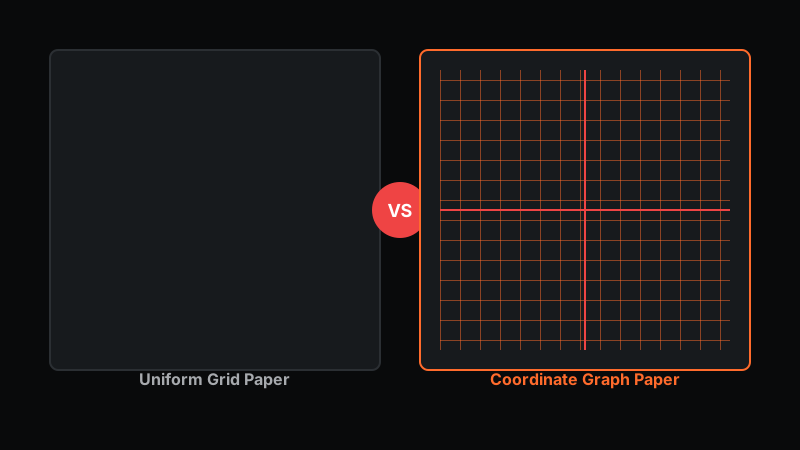
Discover the differences and similarities between graph paper and grid paper: major accent lines, Cartesian axes, line weights, and best uses.
Learn how to create custom graph paper on your computer using Word, Google Docs, Excel, vector software, and dedicated online grid applications.
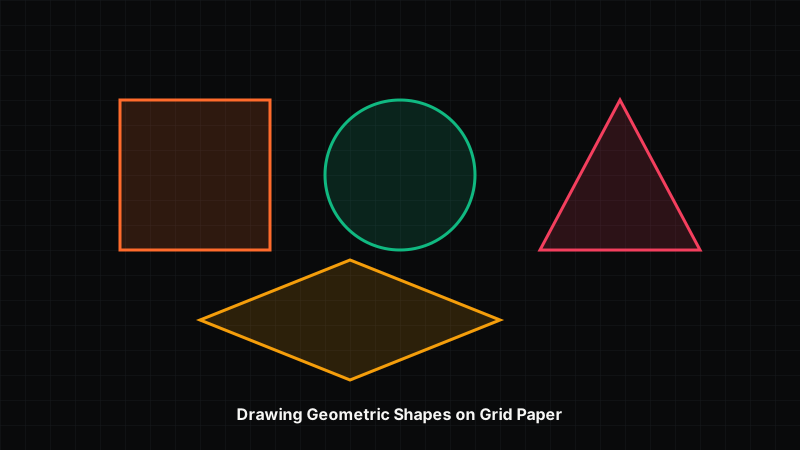
Master drawing precise geometric shapes on graph paper: squares, triangles, polygons, circles, and arcs using grid intersections and coordinate steps.
Learn how to print graph paper at home without scale distortion. Step-by-step guide to PDF printer settings, 100% actual size scaling, margins, and paper selection.
Master using online graph paper for math homework, geometry, coordinate plotting, and technical drawing. Includes vector tools, HUD measurements, and PDF export.
Learn how to make graph paper in Microsoft Excel by adjusting row heights and column widths into square grid cells, plus print setup and limitations.
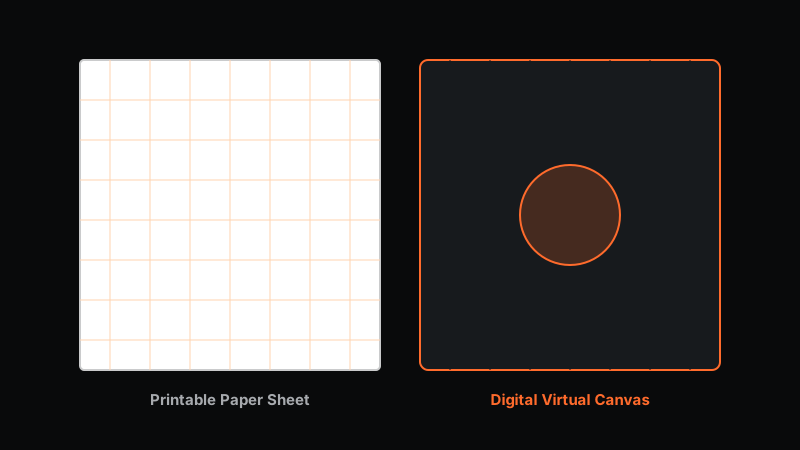
A comprehensive comparison of printable graph paper vs. digital graph paper for students, teachers, engineers, and designers across 8 key workflow factors.
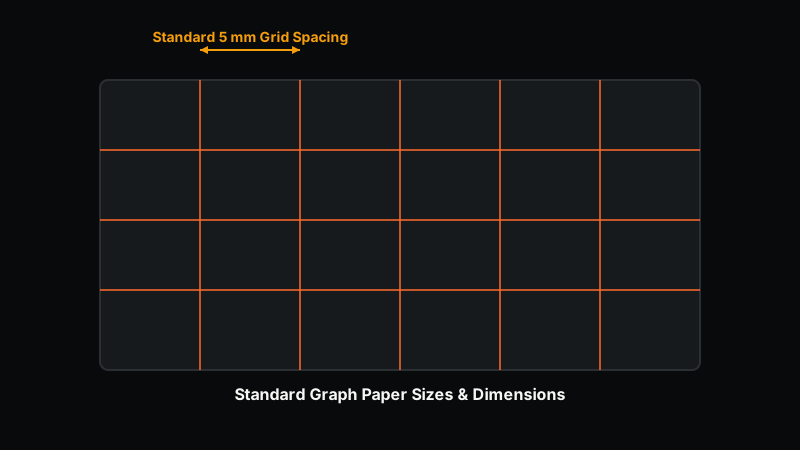
Comprehensive guide to graph paper sizes: standard physical dimensions (A4, Letter), metric vs. imperial grid cell spacing, and selecting the right grid.
Everything you need to know about graph paper: grid types, line weight standards, mathematical applications, technical drawing, printable options, and digital tools.
Compare four reliable ways to move a sketch onto canvas—grid method, projector, transfer paper, and freehand—and learn which fits your accuracy, budget, and skill level.
Grid method and paint by number both guide your hand—but they teach different skills. Learn the differences and a practical workflow that combines them.
Scale any reference into a wall-sized mural with the grid method—choose grid size, prep the wall, transfer square by square, and avoid common scaling mistakes.
The grid method maps a reference onto a grid so you can copy it square by square. Learn how it works, its history, benefits, limits, and a beginner workflow.
A friendly beginner tutorial for grid drawing: pick a reference, set grid density, transfer shapes, check proportions, and finish a clean first artwork.
Seven distinct grid drawing techniques professionals rely on—from proportional grids to value-mapping and diagonal sighting—with when to use each.
Grid method trades speed for accuracy; freehand builds observation. Compare them across portraits, landscapes, and complex work to choose the right approach.
From Renaissance masters to modern illustrators, many artists used grids and projection. A careful look at documented cases—and where the record is uncertain.
Use the grid method to place eyes, nose, and mouth accurately. A practical portrait workflow covering grid density, head proportions, and alignment checks.
Square, triangular, isometric, and perspective grids each serve a different purpose. Learn their structure, best uses, advantages, and limitations.
A factual comparison of real grid drawing tools in 2026—free, paid, browser, desktop, and mobile—plus how Virtual Grid Paper fits your workflow.
4×4, 6×6, 8×8, 10×10, 12×12, or 16×16? Learn how grid density affects accuracy and speed, and which density suits different subjects.
Printed grids, pencil grids, digital overlays, and tablets each change how you draw. Compare precision, editing, portability, and best practices.
Five legitimate ways to build an Instagram collage—Layout app, Stories stickers, native tools, external editors, and grid planners—step by step.
Plan a cohesive Instagram feed with 3-column layouts, checkerboards, row themes, and color planning—plus a workflow that keeps it consistent.
Three ways to add a drawing grid to any photo—online overlay, image editor, and a manual physical method—so you can copy references accurately.
A complete guide to grid overlays on reference photos: grid size, opacity, line color, labels, cropping, printing, and transferring to paper.
Scale a drawing up or down with grids by matching cell counts to your target dimensions. Learn the math, ratios, and common scaling errors to avoid.
Ten targeted grid drawing exercises—each with objective, setup, steps, and the skill it builds—to train your eye and steady your hand.
A practical guide for art teachers: lesson planning, classroom setup, exercises, assessment ideas, and common student difficulties with the grid method.
Age-appropriate grid art for kids: animals, simple objects, pixel grids, tracing games, and observation play that builds confidence early.
Twenty distinct grid art project ideas organized by beginner, intermediate, and advanced—perfect for classes, clubs, or personal practice.
Instead of hunting for downloads, generate exactly the grid you need online. Learn which templates help and how to print and scale them precisely.
A4, A3, Letter, Legal, fine, and large-square grids—understand what each offers and how to choose the right grid paper for your artwork.
A factual feature comparison of real online grid makers in 2026—what each actually offers, who it's for, and how Virtual Grid Paper compares.
What people actually need from a grid maker, and the real alternatives—browser tools, image editors, printable methods, and drawing workflows.
No matching articles found
Try a different search term or choose another topic.